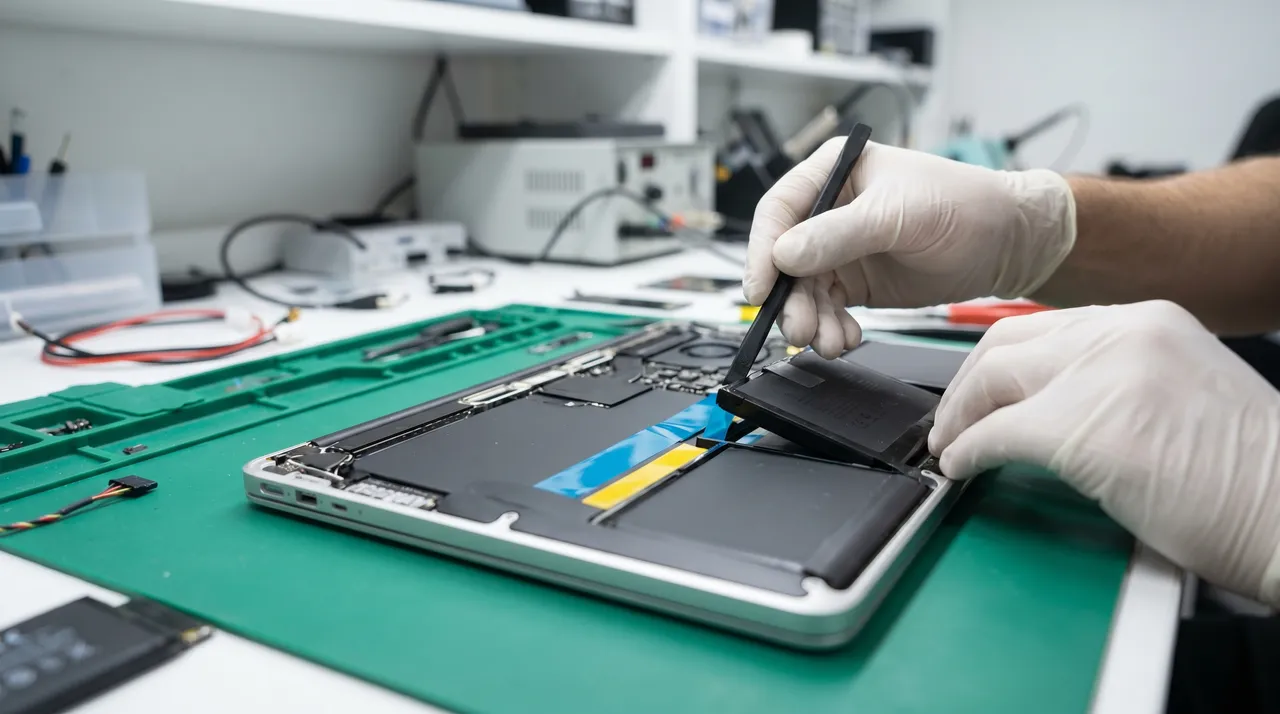
MacBook Battery Draining Fast · A Honest Diagnosis Guide for Pakistan
Before you pay for a new battery, work through this checklist from Hafeez bhai's bench. Half the customers who walk in with 'dying battery' actually don't need a new one.
Self-diagnosis walkthroughs for every common MacBook fault. Try these before booking a repair · many can be fixed at home, the rest tell you what to ask for at the workshop.

Every repair and every used Mac, in writing.
Diagnosis and valuation always free.
Signed SOP · full secure erase before resale.
Swap window on every used MacBook.

Before you pay for a new battery, work through this checklist from Hafeez bhai's bench. Half the customers who walk in with 'dying battery' actually don't need a new one.

A dead-looking MacBook is fixable from home about 40% of the time. Work through these seven checks in order before bringing it in.

Vertical lines, full flicker, or random black-outs can all look the same to a user but have very different fixes. Here's how to tell them apart.

Pakistani summers and dust kill MacBook cooling faster than any other factor. Most overheating is fixed without replacing parts · just cleaning + new thermal paste.

Four things cause 'won't charge' problems. This checklist walks through each in order so you only pay for the actual fault.

If your Mac hangs on the boot logo, Recovery Mode is the first place to go. Here's exactly what to click without losing your files.

Single dead key? Sticky spacebar? Whole keyboard out? Each has a different fix and a very different price.

Most water-damaged MacBooks we recover would have survived intact if the owner had done these three things in the first half hour. Most don't.

The M1 Air is the best-value MacBook of the last decade · but five years in, certain failures are starting to recur. Here's what to watch for.

The 2022 redesign was Apple's biggest Air refresh in years. After 3 years of field data, here are the specific issues we see at the workshop.

The last Intel Pro 16" is approaching 6 years old. Its quirks are now well-documented · including some you can plan around with proper service.

The 13-inch Pro that bridged the Intel and Apple Silicon eras has a clear list of known issues. Most are fixable; one is fatal.

The first Apple Silicon Pro is wonderfully reliable, but a few specific issues recur. Here's what to look for at year 3+.

The 2021 redesign brought MagSafe back and is mostly bulletproof. After 4 years of bench time, here are the recurring issues we do see.

The M3 generation is the most reliable Pro 14" Apple has shipped. Two years in, the only real concerns are cosmetic.

Constant fan noise on a Mac doing nothing is almost always one of three things. Here's how to diagnose in 5 minutes.

Random cursor jumps look like software bugs but are usually hardware · and one of the causes is urgent.

Bluetooth drops are usually software you can fix at home. Here's the troubleshooting order.

AirPods that won't pair with a Mac are almost always solved by one of these four steps. Try in order.

Updates fail for a small set of reasons. Here's how to diagnose and resume without losing data.

External display flicker is usually the cable or the hub · not the Mac. Here's how to find out which.

Camera issues are 80% software in 2026. Here's the troubleshooting order before we touch hardware.

No sound, distorted sound, only one speaker working · most causes are software or output settings. Here's the fix order before we open the Mac.

The last Intel 15" Pro is hitting end-of-life. Here's what tends to fail and what to check before buying used.

The last Intel MacBook Air has specific failure patterns. Here's what to watch for if you own one or are buying used.

The function-key (no Touch Bar) Pro 13" 2017 has aged differently from its Touch Bar sibling. Here's what to watch in 2026.

The 2017 15" Pro packed a powerful Radeon Pro 555/560 GPU. Nearly a decade later, that GPU is the #1 failure point.

The 2-port Intel Pro 13" 2020 was the last hurrah before M1. Here's how it's aged in Pakistani use.

The 2019 Air refresh fixed many 2018 quirks. Here's what owners still see in Pakistani use.

Kernel panic = your Mac's full system crash. Here's how to identify whether it's software (easy fix) or hardware (workshop time).

T2 chip is the security and I/O brain in 2018-2020 Intel Macs. When it acts up, the symptoms can confuse even experienced techs.

Pink lines, distorted graphics, weird screen tearing · these are GPU artifacts. Here's how to find the root cause.

WiFi issues are 95% software in 2026. Here's the diagnostic order that catches the vast majority of cases.

Open lid 10 times · 3 times the screen is dim, 2 times flickering, sometimes fine. That's display lottery. Here's what causes it.

Mac boots only to Recovery Mode every time? Here's how to escape and what to do if it won't budge.

Touch ID prompting for password every time? Here's the fix order from quick software resets to sensor repair.

Trackpad cursor works but clicks don't register? Most causes are software or settings. Hardware fix is the last resort.

The 4-port Intel Pro 13" 2020 was the high-tier Intel Pro before M1. Here's how it ages in Pakistani use.

The 16" M1 Pro/Max was Apple Silicon's flagship. Mostly very reliable · but a few patterns emerge with 4+ years of use.

The M2 Pro/Max 14" refined the M1 Pro design. Mostly excellent but a few patterns emerge with regular use.

The 16" M2 Pro/Max is built for sustained pro workloads. Here's what we see in workshop after 2+ years of use.

Bluetooth issues are 90% software in 2026. Here's the diagnostic order from quick to advanced.

The rainbow wheel means macOS is stuck waiting. Here's how to identify what it's waiting for and fix it.

Apple logo with loading bar that never finishes? Here's the fix order from quick to advanced.

Printer setup on Mac is usually simpler than Windows · but Pakistani retail printers sometimes need specific handling. Here's the fix order.

AirDrop works perfectly when set up right · but tripped by Bluetooth, WiFi, firewall, or contact settings. Here's the fix order.
Send photos and your A-number on 0312-4690005. We confirm whether the repair is worth doing before you ship.
Pack securely and post via TCS / Leopards / M&P to LG31, IT Tower, Hali Road, Gulberg III, Lahore.
Same-day written quote with photos. Approve, we repair and test, then courier back. 3-7 working days end-to-end.

Founded by Hafeez bhai in August 2005, AppleForce has grown into Pakistan's leading independent Apple Mac centre. From our Gulberg III workshop we handle Apple-spec MacBook repairs, sell certified used and new Macs, and stock genuine Apple parts, serving walk-ins from across Lahore and insured mail-in customers from 15 cities nationwide.
Every Mac on our shelves is tested, graded and backed by a written warranty. No guesswork, no pressure, just an honest quote, a fair price and a Mac that works.
WhatsApp Hafeez bhai with your model and the issue. You'll have a price, turnaround and warranty in writing before you commit to anything.
Walk into our Lahore HQ or post your MacBook from anywhere in Pakistan. Free diagnosis, written quote, 15-day warranty.